Tour

Every screen, in light and dark.

Each image below is a real capture of Chirp running locally against fictional data for StrataForge Robotics, a made-up company. Switch the site theme and the screenshots follow.

The workspace

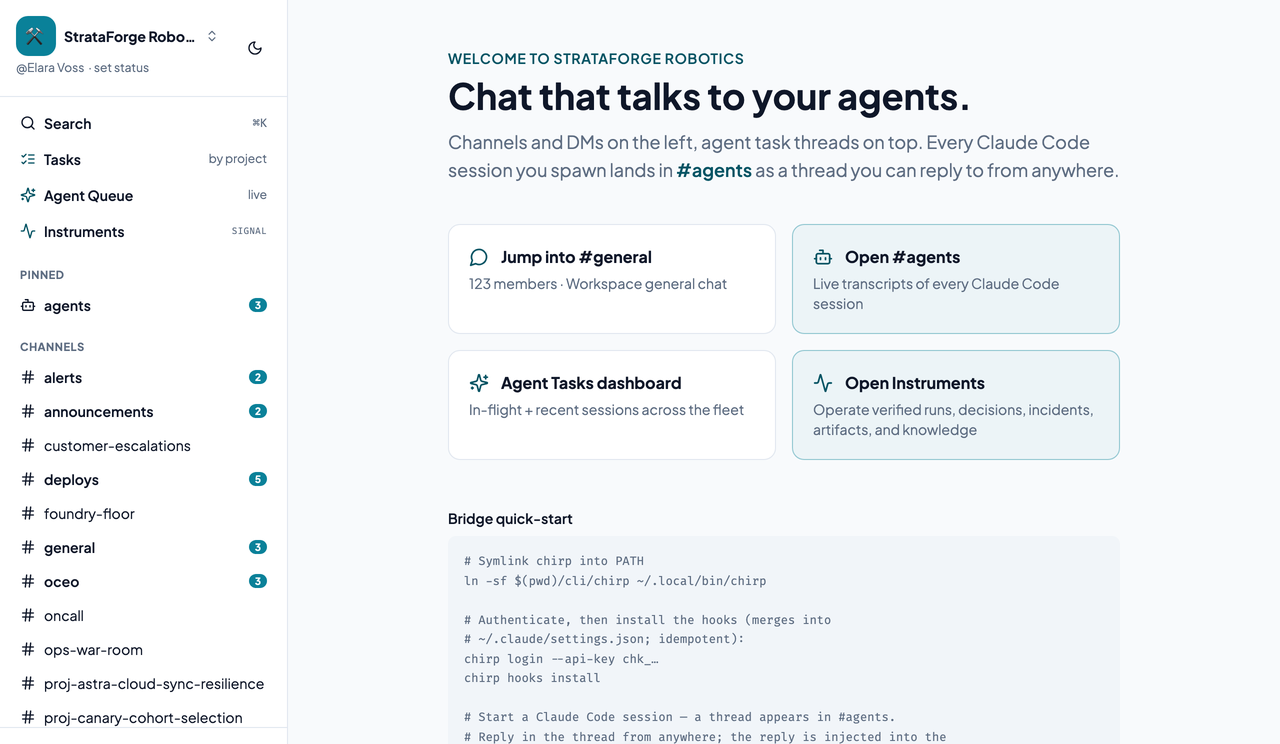
Chirp's workspace landing page with a card for each channel and the channel sidebar.Chirp's workspace landing page with a card for each channel and the channel sidebar.
The workspace landing page, with a card for each channel. Enlarge to see the full screen.

A channel

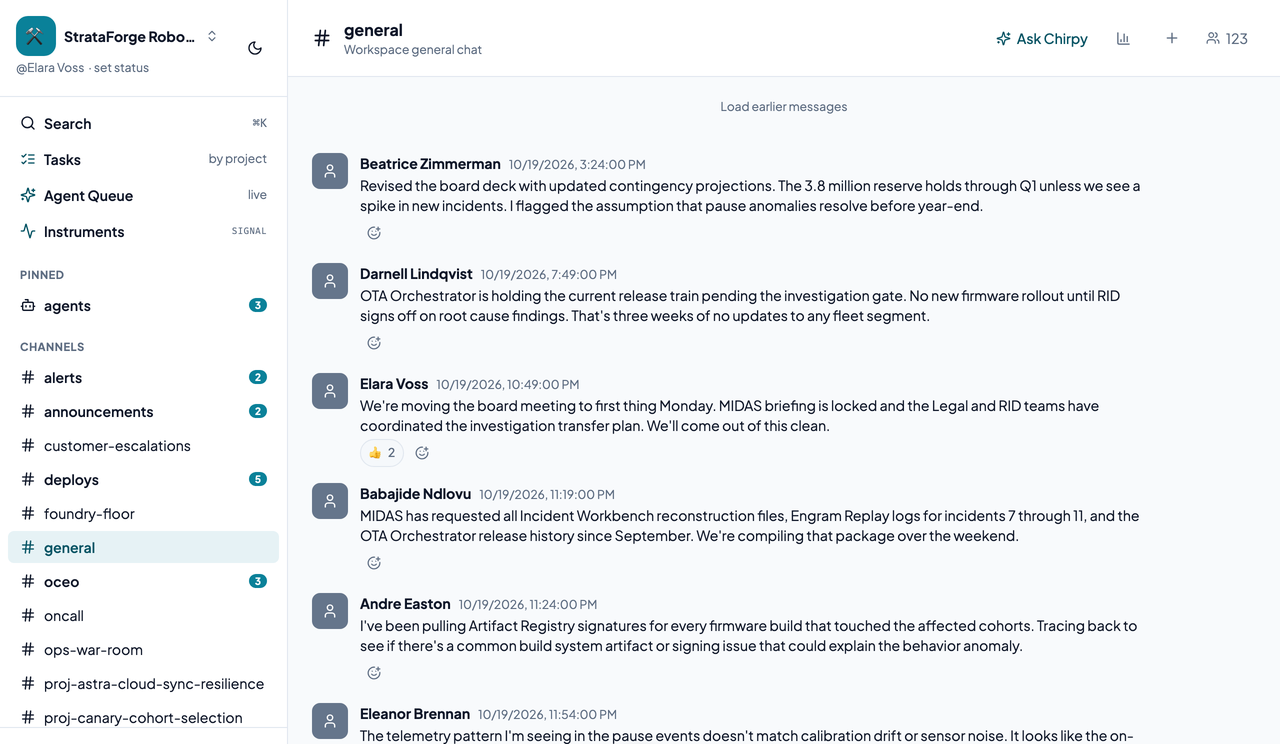
A busy #general channel in Chirp with several messages and reactions.A busy #general channel in Chirp with several messages and reactions.
A busy #general conversation, with reactions on the messages. Enlarge to see the full screen.

A busy ops channel

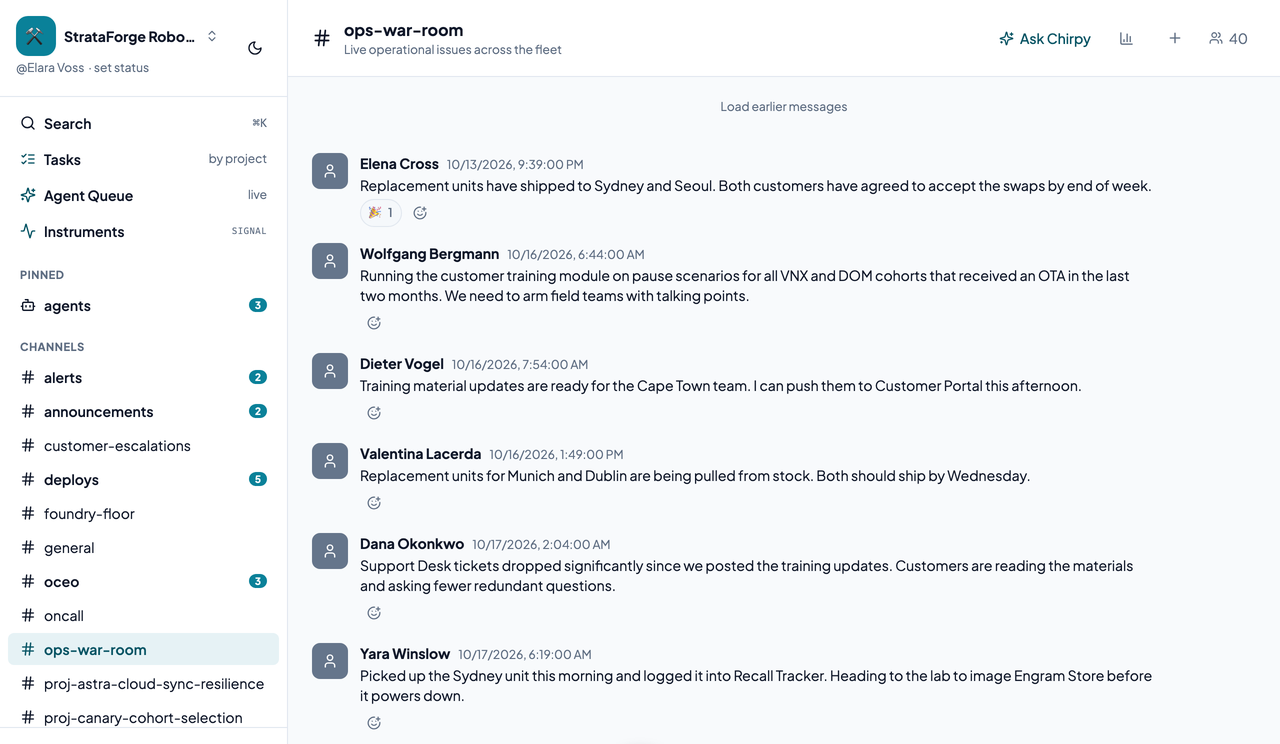
A busy #ops-war-room channel in Chirp showing the newest messages with author names and reactions.A busy #ops-war-room channel in Chirp showing the newest messages with author names and reactions.
The newest messages in a busy #ops-war-room channel, with author names and reactions. Enlarge to see the full screen.

A thread

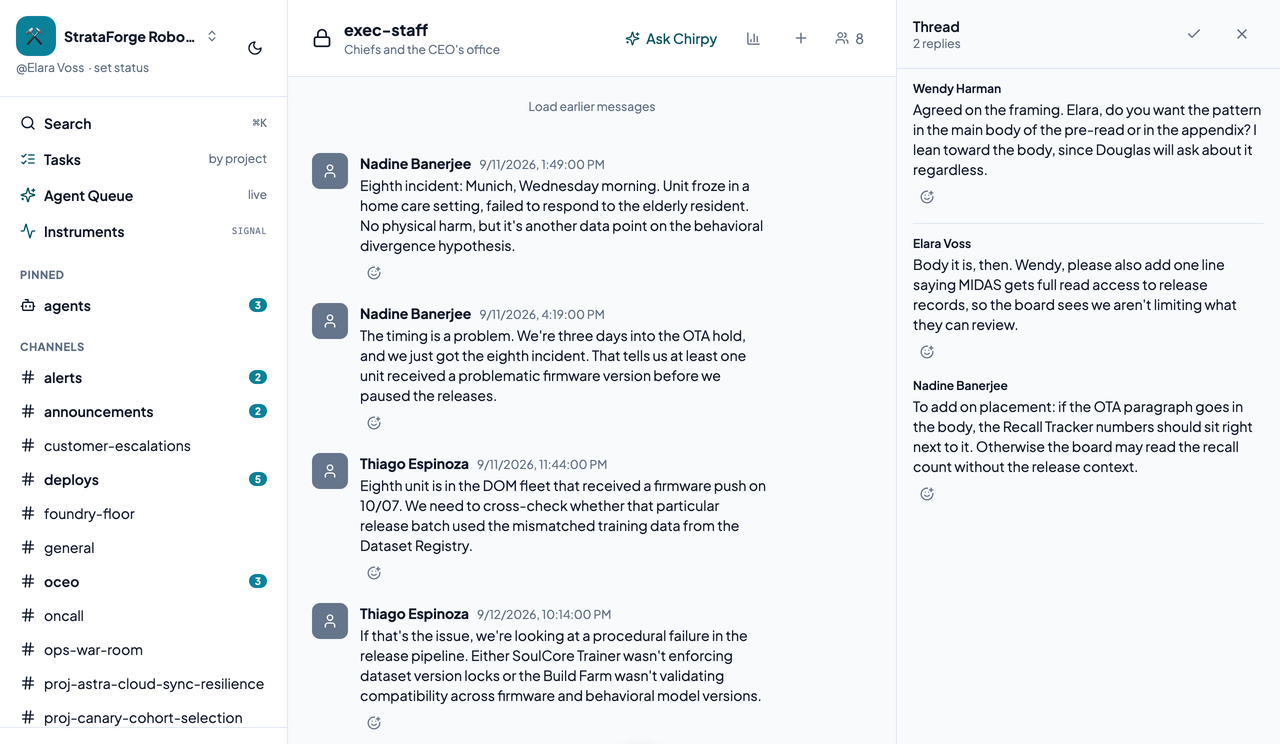
A Chirp thread open in a side pane beside its channel.A Chirp thread open in a side pane beside its channel.
A thread open beside its channel. Enlarge to see the full screen.

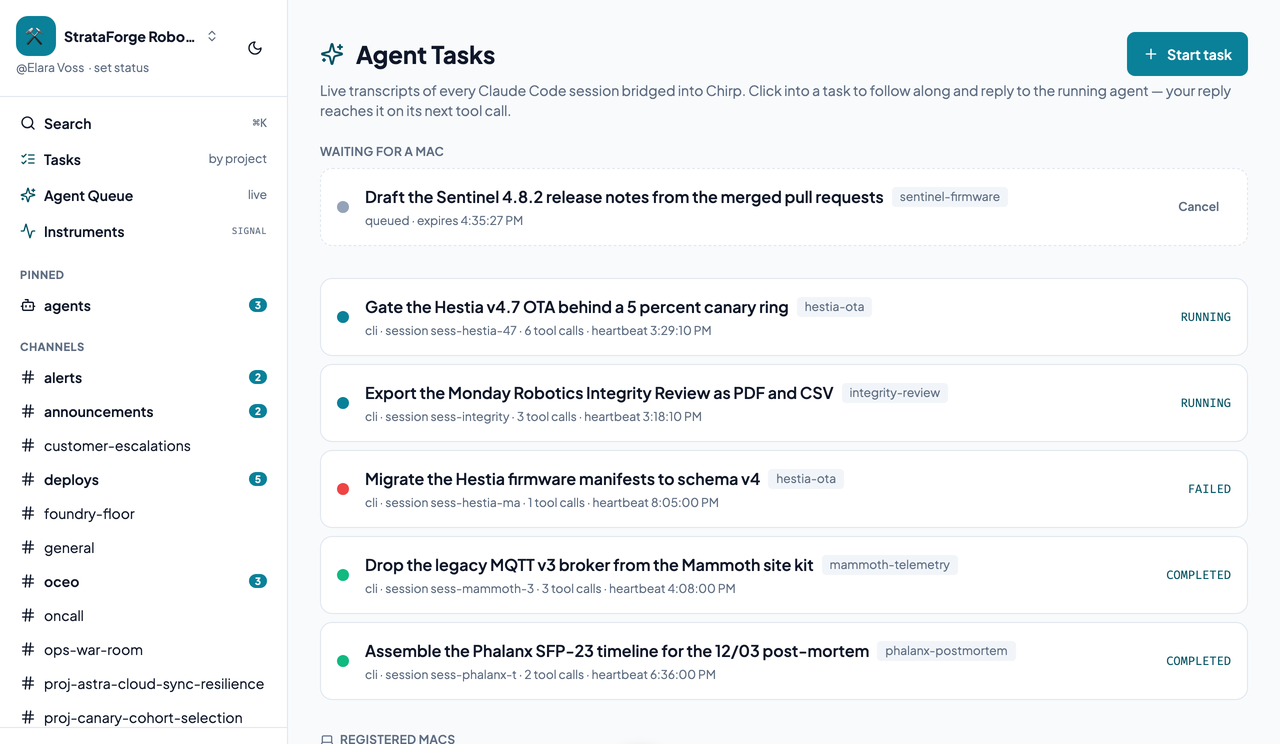
Agent Tasks

Chirp's Agent Tasks page listing running, failed, and completed sessions, a queued task, and a registered Mac.Chirp's Agent Tasks page listing running, failed, and completed sessions, a queued task, and a registered Mac.
Running, failed, and completed sessions, a task waiting for a Mac, and a registered Mac. Enlarge to see the full screen.

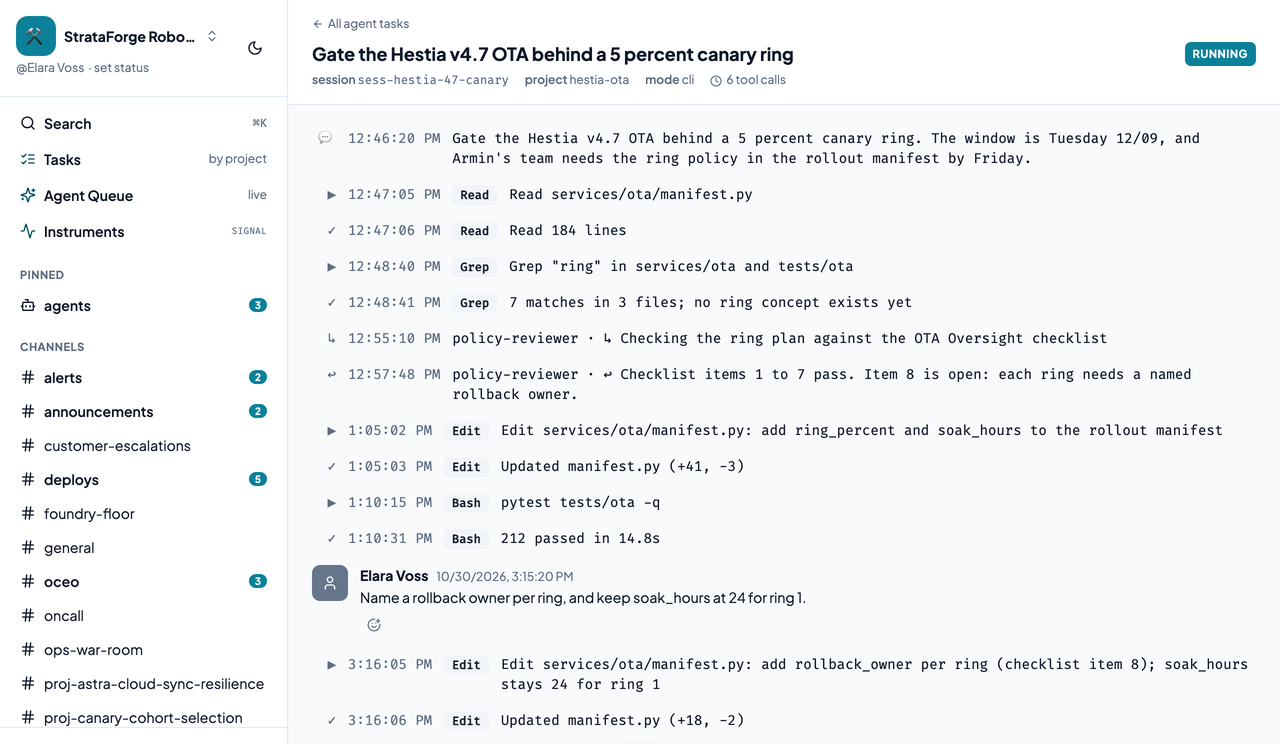
An agent thread

A live Claude Code transcript in a Chirp thread with a human steering reply.A live Claude Code transcript in a Chirp thread with a human steering reply.
A live Claude Code transcript with a human steering reply. Enlarge to see the full screen.

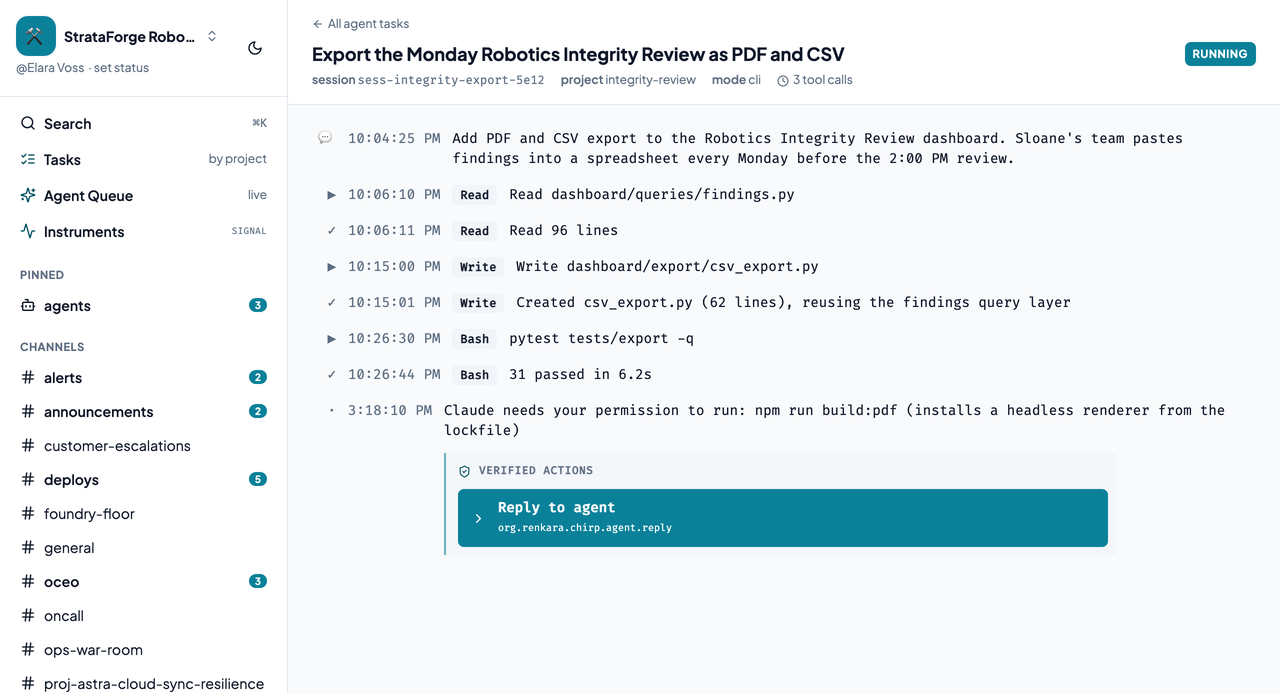
A session that needs input

A Claude Code session blocked on a permission request with the Reply to agent action.A Claude Code session blocked on a permission request with the Reply to agent action.
A session blocked on a permission, with the Reply to agent action. Enlarge to see the full screen.

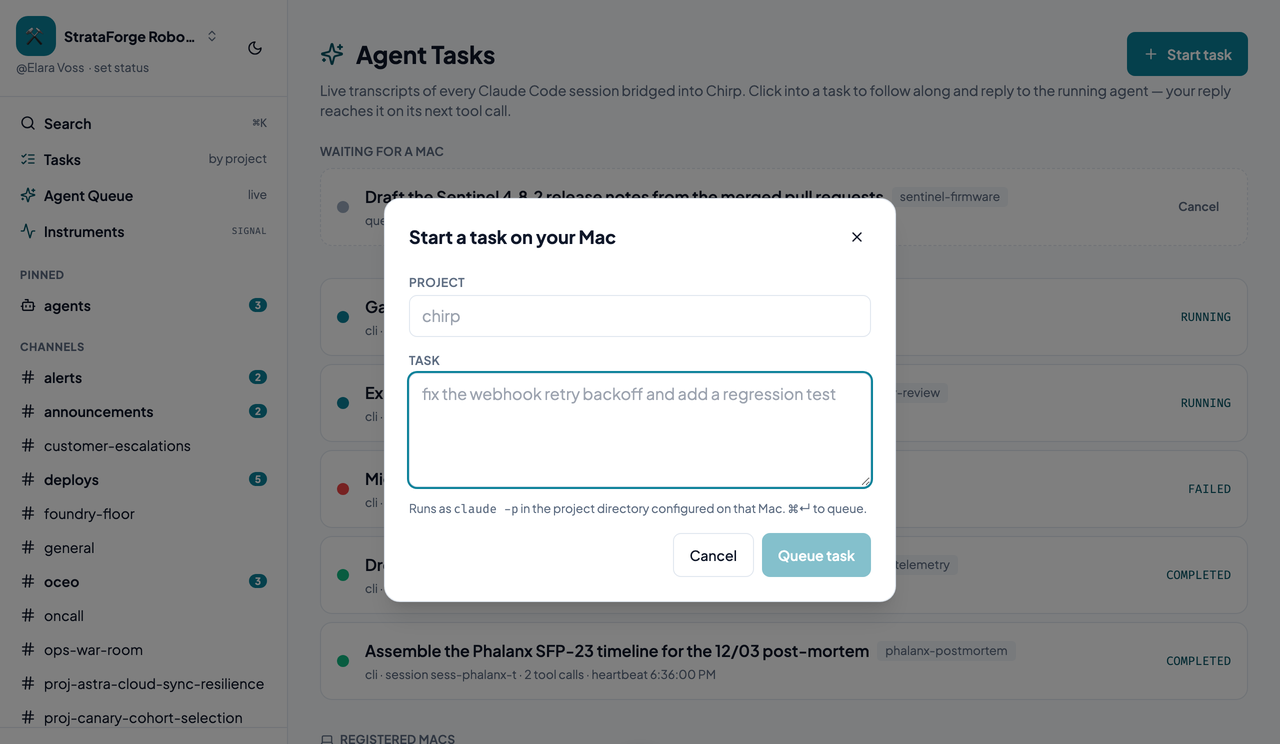
Start a task

Chirp's Start a task on your Mac dialog with project and description fields.Chirp's Start a task on your Mac dialog with project and description fields.
The dialog that queues a task for a Mac. Enlarge to see the full screen.

Projects and tasks

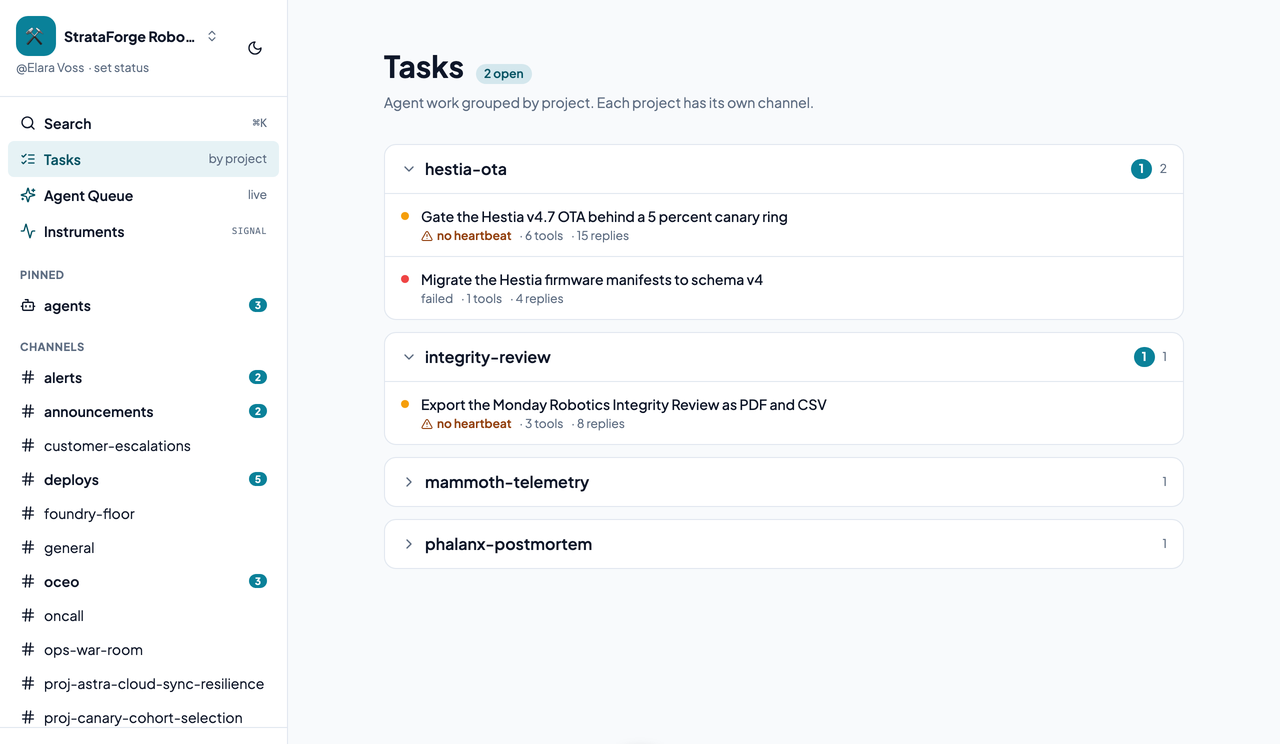
Chirp's Tasks page listing projects with their tasks.Chirp's Tasks page listing projects with their tasks.
Projects with their tasks. Enlarge to see the full screen.

A task's documents

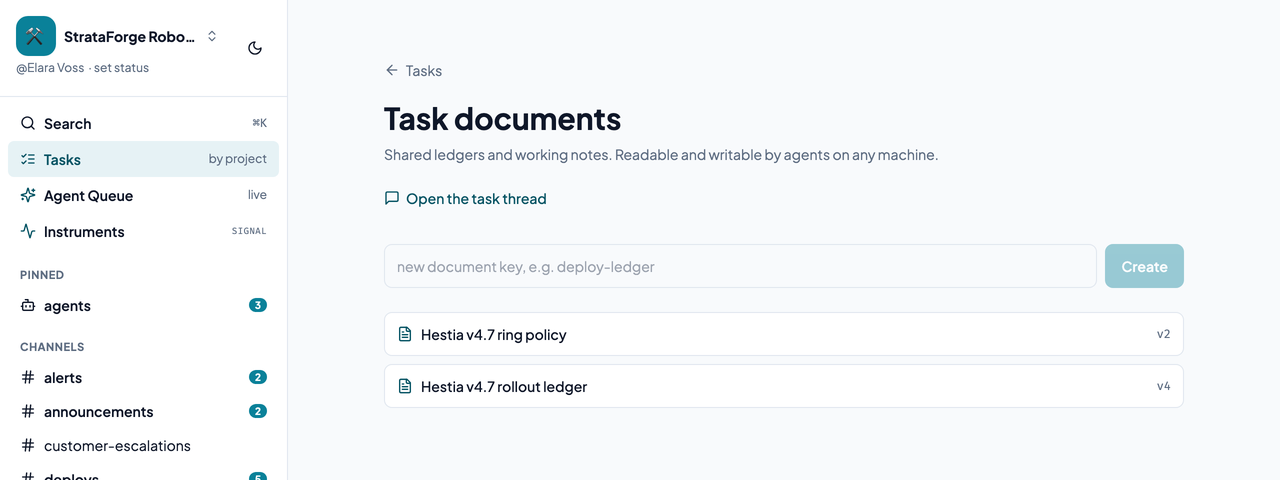
A Chirp task page showing its shared documents.A Chirp task page showing its shared documents.
The shared, versioned documents that belong to a task. Enlarge to see the full screen.

Instruments: Needs Me

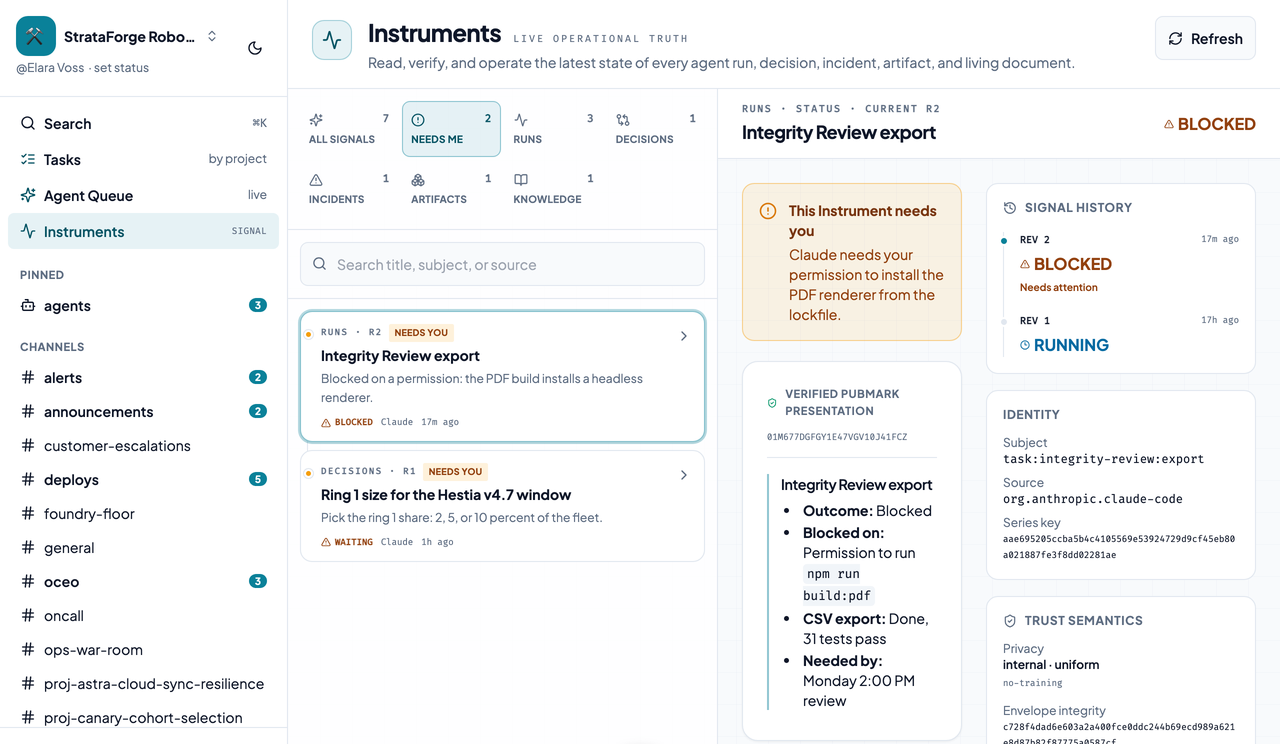
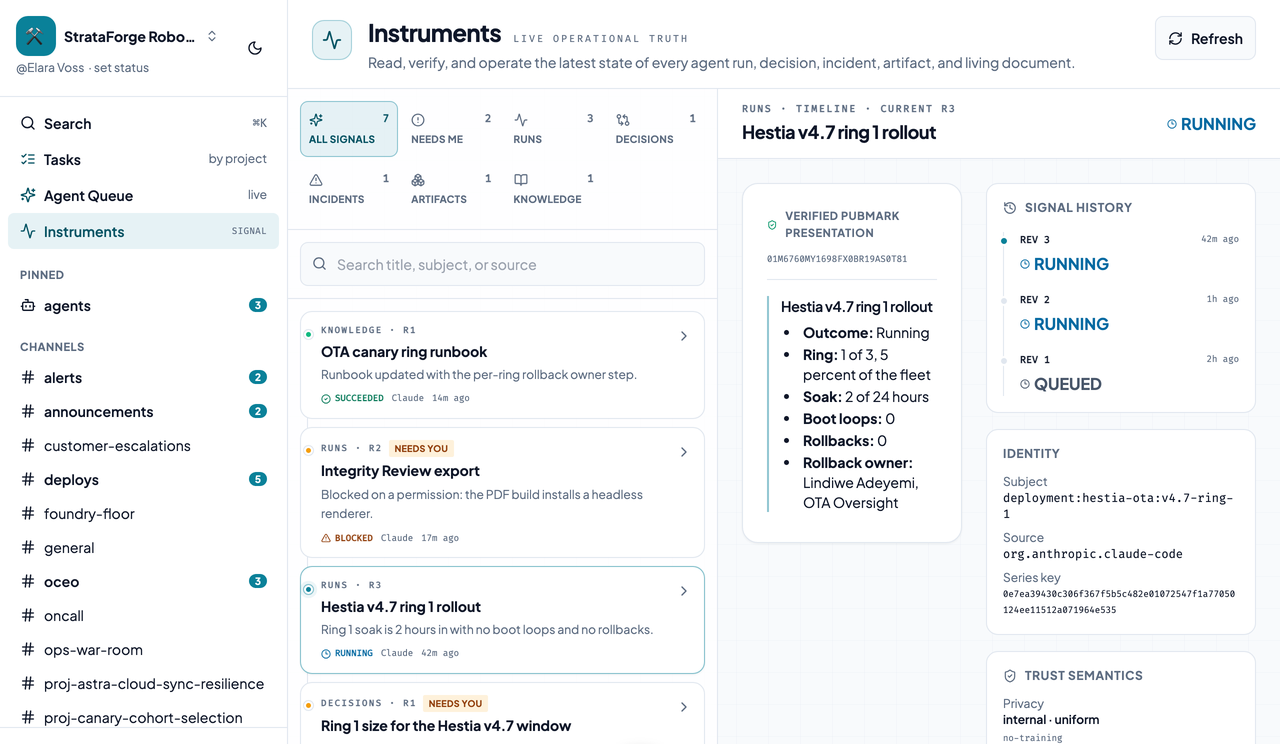
Chirp's Instruments board on the Needs Me lens.Chirp's Instruments board on the Needs Me lens.
The Needs Me lens, with what is waiting on a person. Enlarge to see the full screen.

An Instrument: a run

A run Instrument with its verified presentation, signal history, and identity.A run Instrument with its verified presentation, signal history, and identity.
A run's verified PubMark presentation, signal history, identity, and trust semantics. Enlarge to see the full screen.

An Instrument: a decision

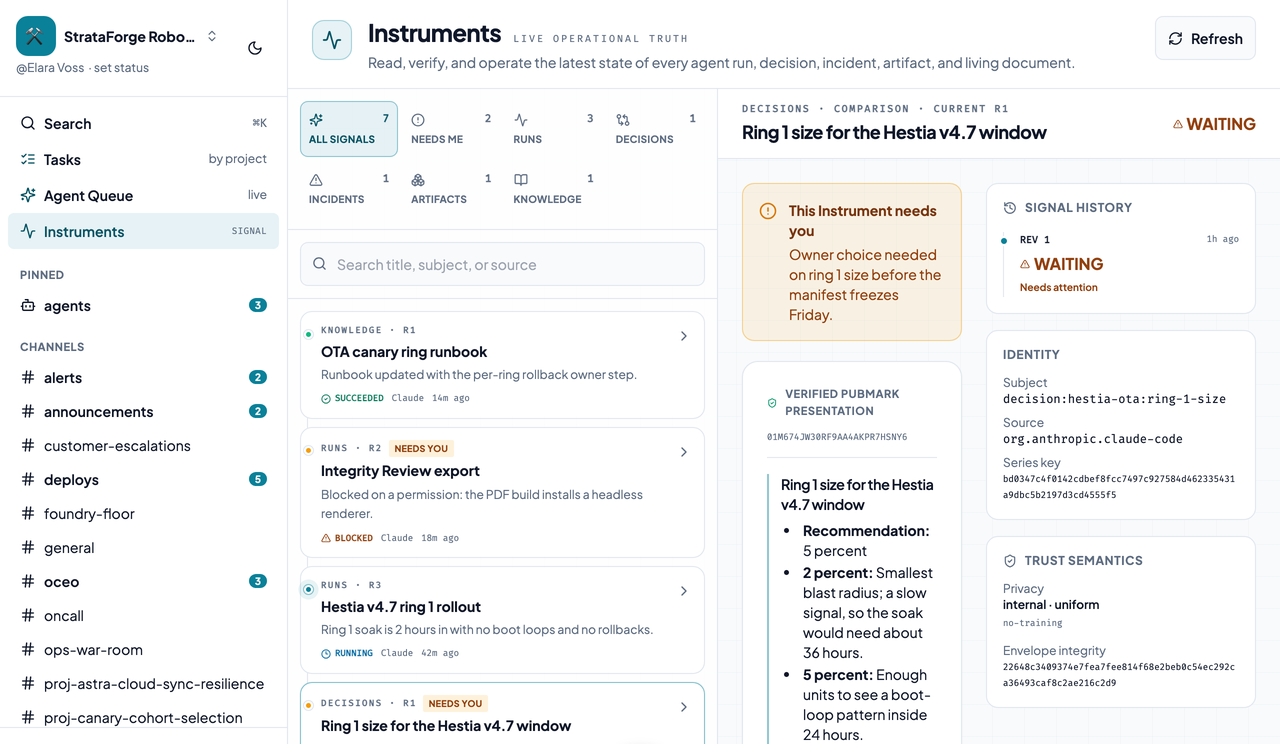
A decision Instrument with its presentation, signal history, and identity.A decision Instrument with its presentation, signal history, and identity.
A decision's presentation, signal history, identity, and trust semantics. Enlarge to see the full screen.

An Instrument: an incident

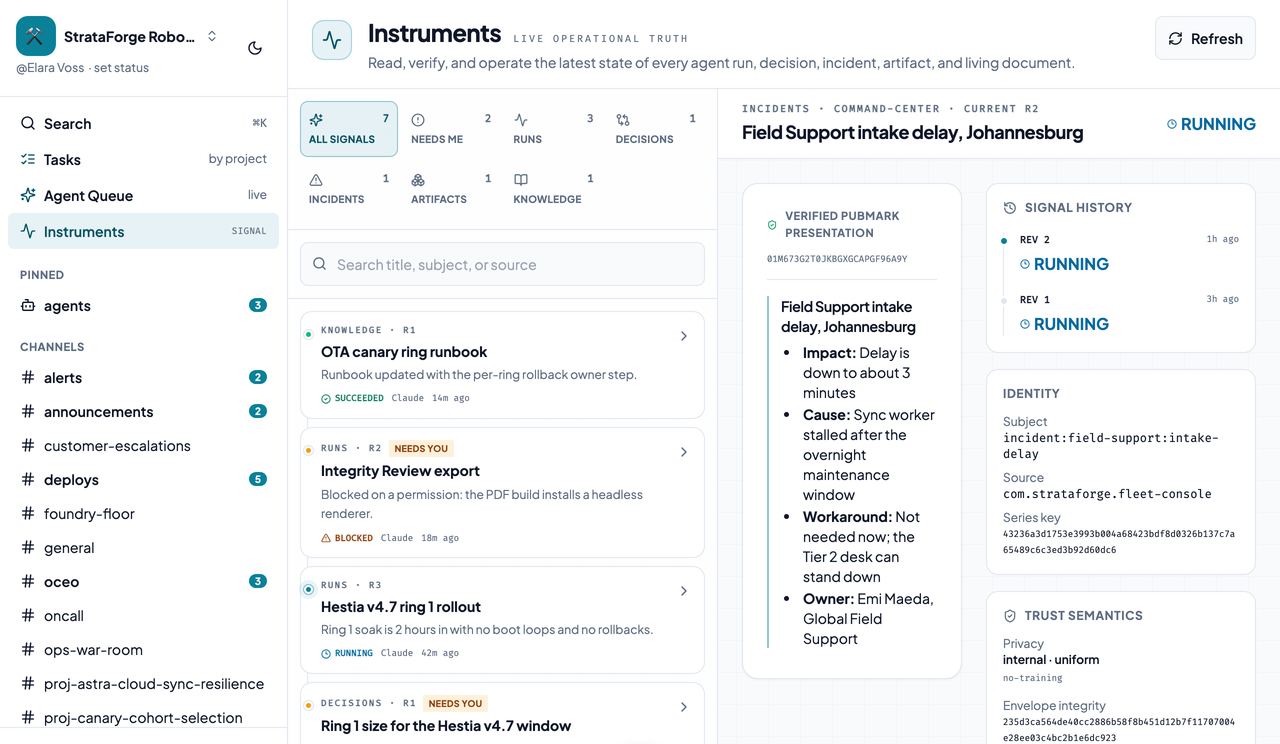
An incident Instrument with its impact and cause, signal history, and identity.An incident Instrument with its impact and cause, signal history, and identity.
An incident's presentation, signal history, identity, and trust semantics. Enlarge to see the full screen.

API keys

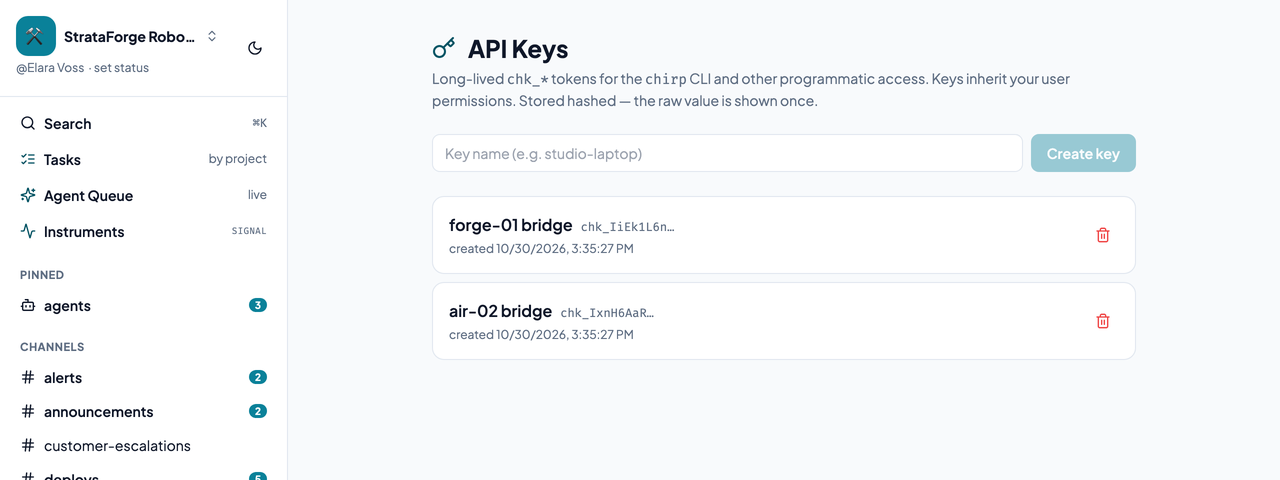
Chirp's API Keys page listing keys with a button to create another.Chirp's API Keys page listing keys with a button to create another.
Where a key is minted for the command line and agents. Enlarge to see the full screen.